In case you were wondering...
Do I need a credit card to start?
No. Starting your trial takes an email address and a password, nothing else. You only add a card if you decide to keep Asset Assign after your 14 days.
How long does it take to set up?
Less than 30 minutes! Sign up with your email, click the link we send to confirm it, and you can follow the tour to be led through uploading inventory with our CSV template (or hand Amy a photo of a handwritten list), plus connecting your Google Calendar if you use one.
What if I need help?
Our AI Assistant Amy studies the help center documents every night, and you can view them, too, with screenshots and tutorials. Amy also knows when to reach out to human support, and you can always email support@assetassign.app yourself any time.
How do I use it for my marquees?
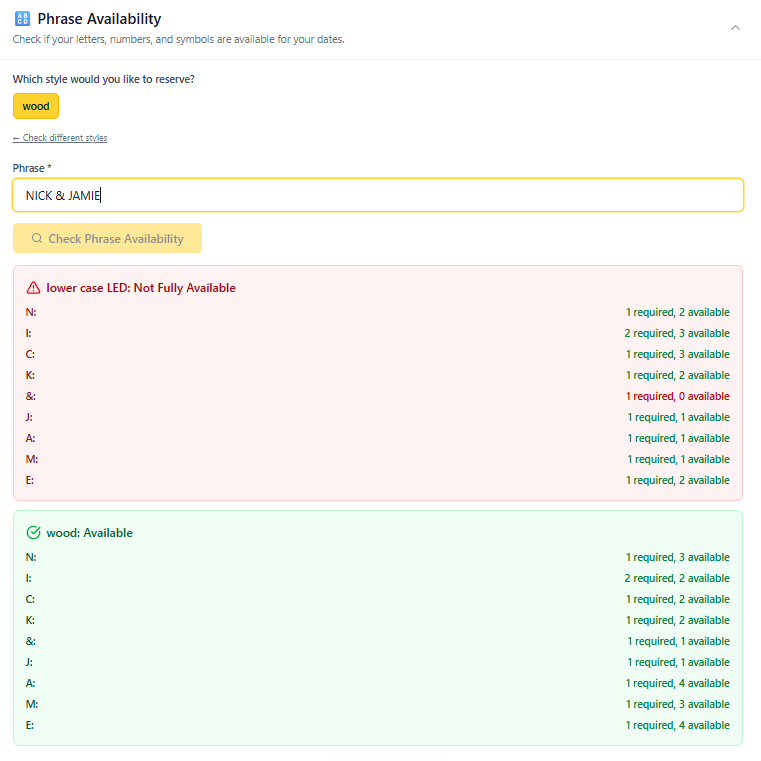
At the core of this tool is our phrase checker, where you can simply type the letters / numbers / symbols you need on a certain date, choose which style(s) you want to check and you'll know in one click whether they're available in your chosen style (and which letters aren't).
I carry different sizes of the same letters. Can Asset Assign handle that?
Yes! In Asset Assign, "styles" is how you track different sizes of the same letter. For example, your 3ft LED letters and your 15in LED letters each get their own style. The phrase checker treats each style independently, so you always know exactly what is available in each size. Styles also work for different materials (wood, metal, LED) or any other variation.
Will this sync with my calendar?
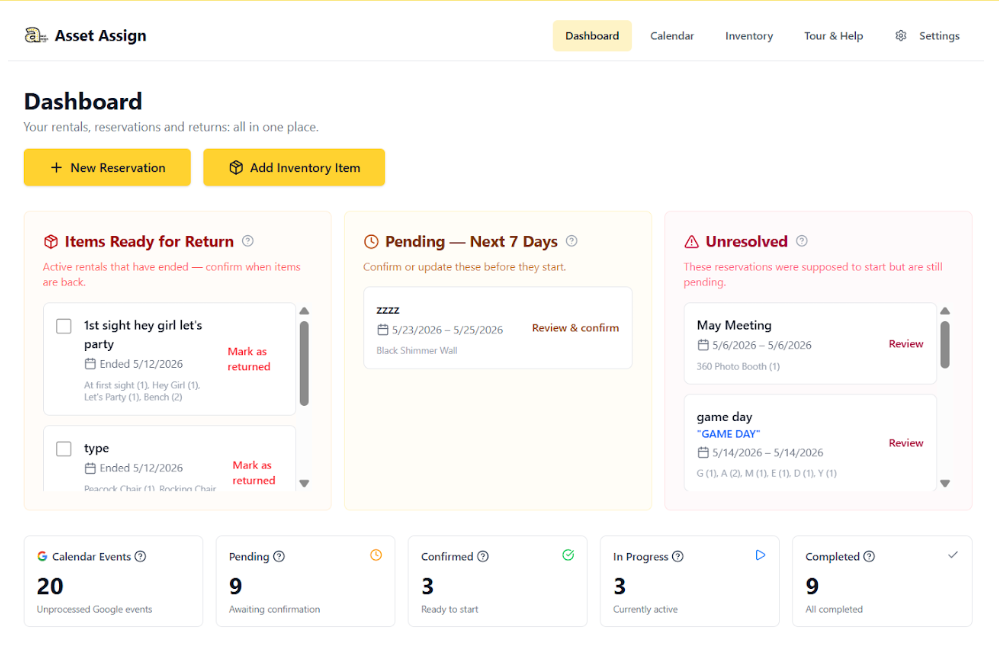
Asset Assign integrates with Google Calendar so you can easily create reservations or dismiss events that don't need reservations.
How many users can I have on my account?
At this time, it is one login per account.
What is the subscription rate?
Asset Assign is $197/year for everything; unlimited inventory, unlimited reservations, and every feature. No tiers, no add-ons.
Do you have a referral program?
Yes! Share Asset Assign with other rental pros and you'll both get a reward; you'll get your referral details once you're done with your trial.
What happens after my trial ends?
When your 14 days are up, add a payment method to keep going at $197/yr. If you don't, your account simply pauses and everything you set up stays put for 30 days in case you change your mind.
Can I cancel anytime?
Yes! No contracts, no hassles. You will keep access until your current billing period ends.
Will my card be charged automatically for my subscription?
Not during your trial, because there is no card on file. Once you add a payment method and subscribe, it renews automatically each year, and you will get several reminders beforehand in case you need to update your billing method or cancel.
What's included in the price?
Everything: unlimited inventory, unlimited reservations, phrase checking across every style and size, calendar filters, bulk uploads, a shareable availability link for your clients, Amy the AI assistant, email notifications, and every update we ship.